Top 7 Reasons Why PHP Scripts Slow Down in Production
Is your app getting slower every month? Check for fragmented tables, massive log files, and unoptimized queries that grow with your data.
Top 7 Reasons PHP Scripts Become Slow Over Time in Production
When a PHP project is new, everything feels fast.
Pages load quickly. Server looks relaxed. No complaints from users.
After some time, things change.
The same PHP code starts responding slowly.
No major feature added. No big traffic spike.
This is very common in real production systems.
In most cases, PHP is not the real problem.
Small things slowly build up and affect performance.
Below are the 7 most common reasons I’ve seen in live PHP projects.
Database Grows, But Queries Stay the Same
In the beginning, database tables are small.
Even unoptimized queries work fine.
As time passes:
- Orders increase
- Logs increase
- User data grows
Old queries now scan more rows.
Real example
An eCommerce site was fast for 6 months.
After 1 year, order listing page became slow.
Reason?
The orders table crossed 1 million rows, but the query was never reviewed.
Missing or Outdated Database Indexes
Indexes are usually added only during initial development.
Later:
- New filters are added
- New reports are created
- Queries become more complex
But indexes remain old.
Real example
A search page used WHERE status = 'active' AND created_at >= ?
created_at was never indexed.
Result?
Query time slowly increased every month.
Too Many Cron Jobs Running in Background
Cron jobs solve many problems.
But they are easy to forget.
Over time:
- Old crons are never removed
- Jobs run too frequently
- Multiple jobs hit the same tables
This affects overall server performance. One common reason production scripts slow down is uncontrolled high CPU usage in PHP applications , which usually happens when inefficient loops or heavy database operations keep running repeatedly.
Real example
A CRM system had 14 cron jobs running every minute.
Half of them were no longer needed.
Web pages were slow during peak hours because cron jobs consumed CPU.
Slow External APIs Blocking PHP Scripts
Most PHP apps depend on third-party APIs:
- Payment gateways
- SMS services
- Shipping APIs
When APIs slow down, PHP waits.
Real example
A checkout page called a shipping API without timeout.
When API slowed, page load went from 2 seconds to 12 seconds.
PHP was waiting — not failing.
Logs and Temporary Files Keep Growing
Logs are useful.
But unlimited logs cause problems. Excessive logging in PHP applications can gradually increase disk I/O and impact application response time.
Common issues:
- Huge log files
- Slow disk operations
- Backup jobs taking longer
PHP file reads and writes become slow.
Real example
A Laravel app had a single log file of 9GB.
Clearing old logs instantly improved response time.
Shared Hosting Resource Limits Start Hitting
Shared hosting works well for small traffic.
As traffic grows:
- CPU limits hit silently
- IO throttling starts
- Memory limits restrict PHP
No clear error shown — only slow pages.
Real example
A content website worked fine for years.
After traffic doubled, admin panel became slow.
Upgrading hosting fixed the issue — no code change needed.
Small “Quick Fix” Code Adds Up Over Time
One quick fix is fine.
Many quick fixes over years create hidden complexity.
Common signs:
- Repeated database queries
- Copy-paste logic
- Extra conditions everywhere
Nothing breaks — but performance suffers.
Real example
A legacy PHP project had the same user query running inside loops.
Refactoring reduced page load from 6 seconds to 1.5 seconds.
Final Thoughts
Slow PHP scripts are not a developer failure.
They are a sign that the project has grown.
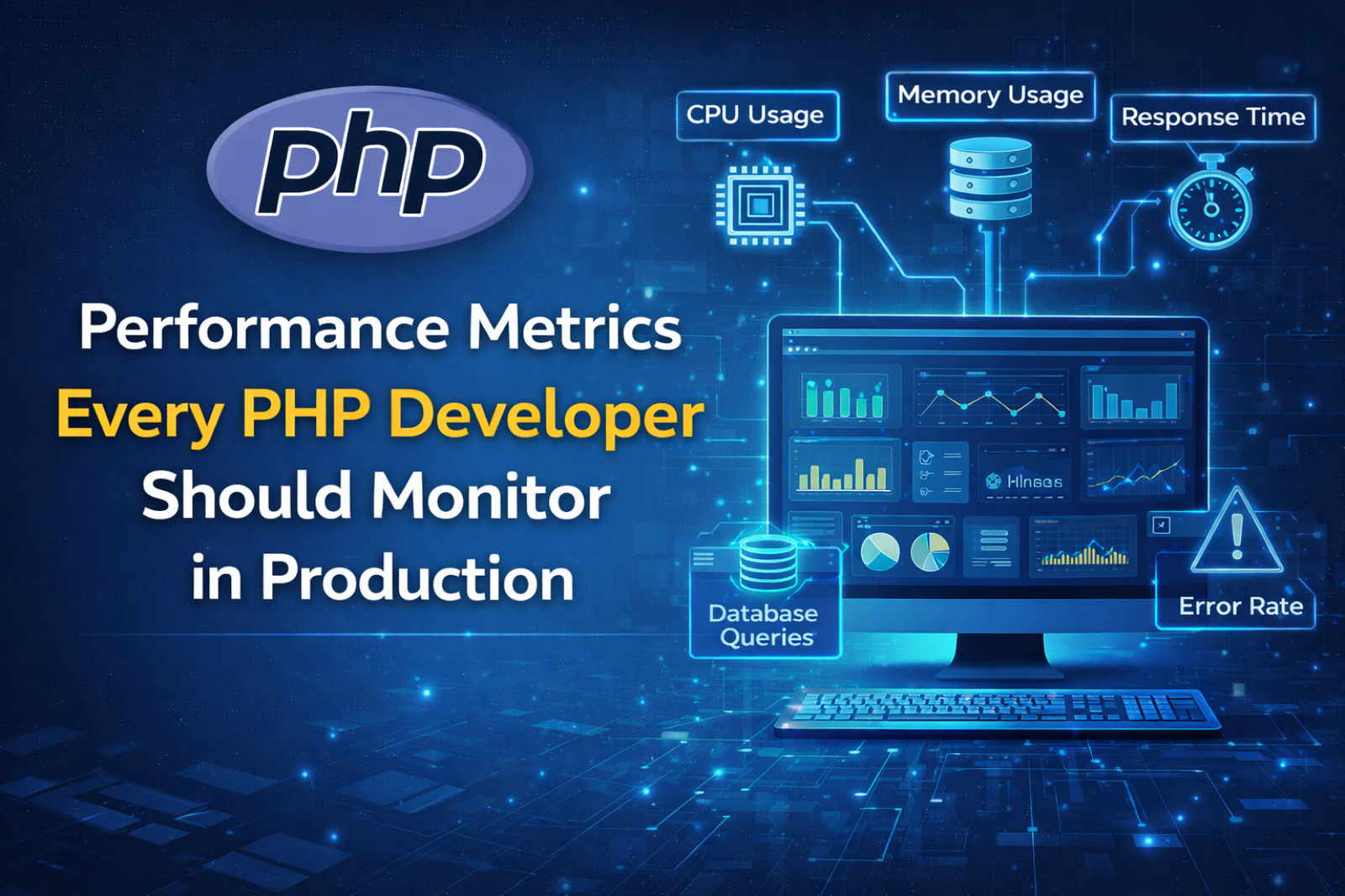
To detect performance degradation early, developers should regularly track key PHP performance metrics such as memory usage, response time, and database query execution time.
Most PHP applications need:
- Regular performance checks
- Database review
- Cron cleanup
- Log maintenance
If your PHP app feels slow today,
it probably worked very well in the past — and that’s a good sign.

Ketan Patel
PHP & MySQL Performance Optimization Specialist
I specialize in diagnosing and fixing slow PHP applications, optimizing MySQL queries, and resolving backend bottlenecks in live production systems. My approach is metric-driven — identifying root causes through profiling, execution analysis, and structured optimization instead of guesswork.