How to Resolve "Cannot Add Foreign Key Constraint" in Laravel
Common causes: Mismatched data types, unsigned integers, or engine differences. A guide to fixing migration errors in Laravel.
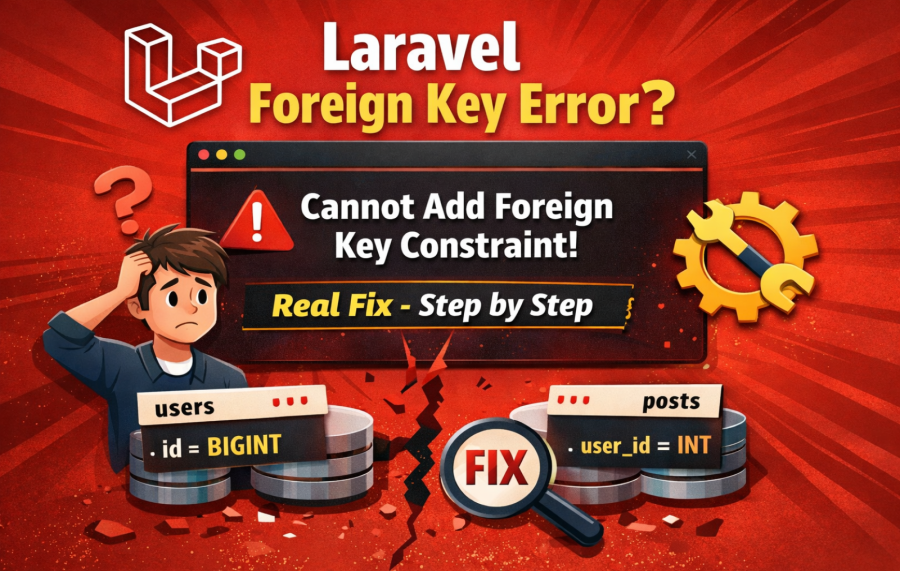
If you are working with Laravel migrations and suddenly see an error like "Cannot add foreign key constraint", you are not alone. This is one of the most common issues developers face while setting up database relationships.
This error usually comes at the worst time — when your migration is almost ready, and you expect everything to work smoothly.
In this guide, we will understand why this error happens and how to fix it step by step in the simplest way.
What Does "Cannot Add Foreign Key Constraint" Mean?
This error means MySQL is not able to create a relationship between two tables using a foreign key.
In simple words:
Your parent table and child table are not matching properly.
Laravel just passes your migration to MySQL. The actual error is from MySQL, not Laravel.
Common Example
Let’s say you have two tables:
users table
posts table
And you want to connect posts with users using user_id.
Schema::create('posts', function (Blueprint $table) {
    $table->id();
    $table->unsignedBigInteger('user_id');

    $table->foreign('user_id')->references('id')->on('users');
});
Looks correct, right? But still, the error appears.
Let’s fix it.
Top Reasons and Fixes
1. Data Type Mismatch
This is the #1 reason.
If your users.id is BIGINT and your user_id is INT, it will fail.
Fix: Always match the type exactly.
$table->foreignId('user_id')->constrained();
This is the safest and recommended Laravel way.
2. Table Creation Order Problem
If you are creating the child table before the parent table, MySQL will throw this error.
Fix: Make sure the parent table migration runs first.
Example:
First: create_users_table
Then: create_posts_table
If needed, adjust timestamps in migration filenames.
3. Engine Must Be InnoDB
Foreign keys only work with InnoDB engine.
If your table is using MyISAM, it will fail.
Fix:
Schema::create('posts', function (Blueprint $table) {
    $table->engine = 'InnoDB';
});
Usually Laravel uses InnoDB by default, but check if you are importing old tables.
4. Column Must Be Indexed
Foreign key columns must be indexed.
Laravel handles this automatically if you use foreignId().
Fix:
$table->unsignedBigInteger('user_id');
$table->index('user_id');
5. Mismatched Signed vs Unsigned
This is a hidden issue many developers miss.
If parent column is UNSIGNED and child is not, it will fail.
Fix:
$table->unsignedBigInteger('user_id');
Or simply use:
$table->foreignId('user_id')->constrained();
6. Incorrect Table or Column Name
Even a small typo will break the foreign key.
Example mistakes:
- Wrong table name
- Wrong column name
- Plural vs singular mismatch
Fix: Double-check names carefully.
7. Existing Data Conflict
If your table already has data that violates the foreign key, MySQL will reject it.
Example:
You have user_id = 10 in posts, but no user with id 10 exists.
Fix:
- Clean invalid data
- Or truncate table before adding constraint
8. Charset and Collation Mismatch
If tables use different charset or collation, it may fail.
Fix: Keep both tables same (usually utf8mb4).
Best Practice
Instead of writing everything manually, use Laravel's clean syntax:
$table->foreignId('user_id')
      ->constrained()
      ->cascadeOnDelete();
This automatically handles:
- Correct data type
- Indexing
- Foreign key setup
Quick Debug Checklist
- ✔ Data types match exactly
- ✔ Parent table exists first
- ✔ Using InnoDB engine
- ✔ Column is unsigned
- ✔ No invalid existing data
- ✔ Table and column names are correct
If you check all above, your issue will be solved in most cases.
Real Experience Tip
In real projects, this error often happens during:
- Working with old databases
- Importing data from another system
- Refactoring migrations
Instead of guessing, always run:
SHOW ENGINE INNODB STATUS;
This gives the exact reason of failure from MySQL.
Conclusion
The "Cannot add foreign key constraint" error looks scary, but in reality, it is very logical.
It just means something is not matching between two tables.
Once you understand the root causes, fixing it becomes very easy.
Always follow Laravel best practices and keep your schema clean — you will rarely face this issue again.
Helpful Guide
If you are working with Laravel migrations, you may also face issues like environment config not working. You can check this detailed guide:

Ketan Patel
PHP & MySQL Performance Optimization Specialist
I specialize in diagnosing and fixing slow PHP applications, optimizing MySQL queries, and resolving backend bottlenecks in live production systems. My approach is metric-driven — identifying root causes through profiling, execution analysis, and structured optimization instead of guesswork.