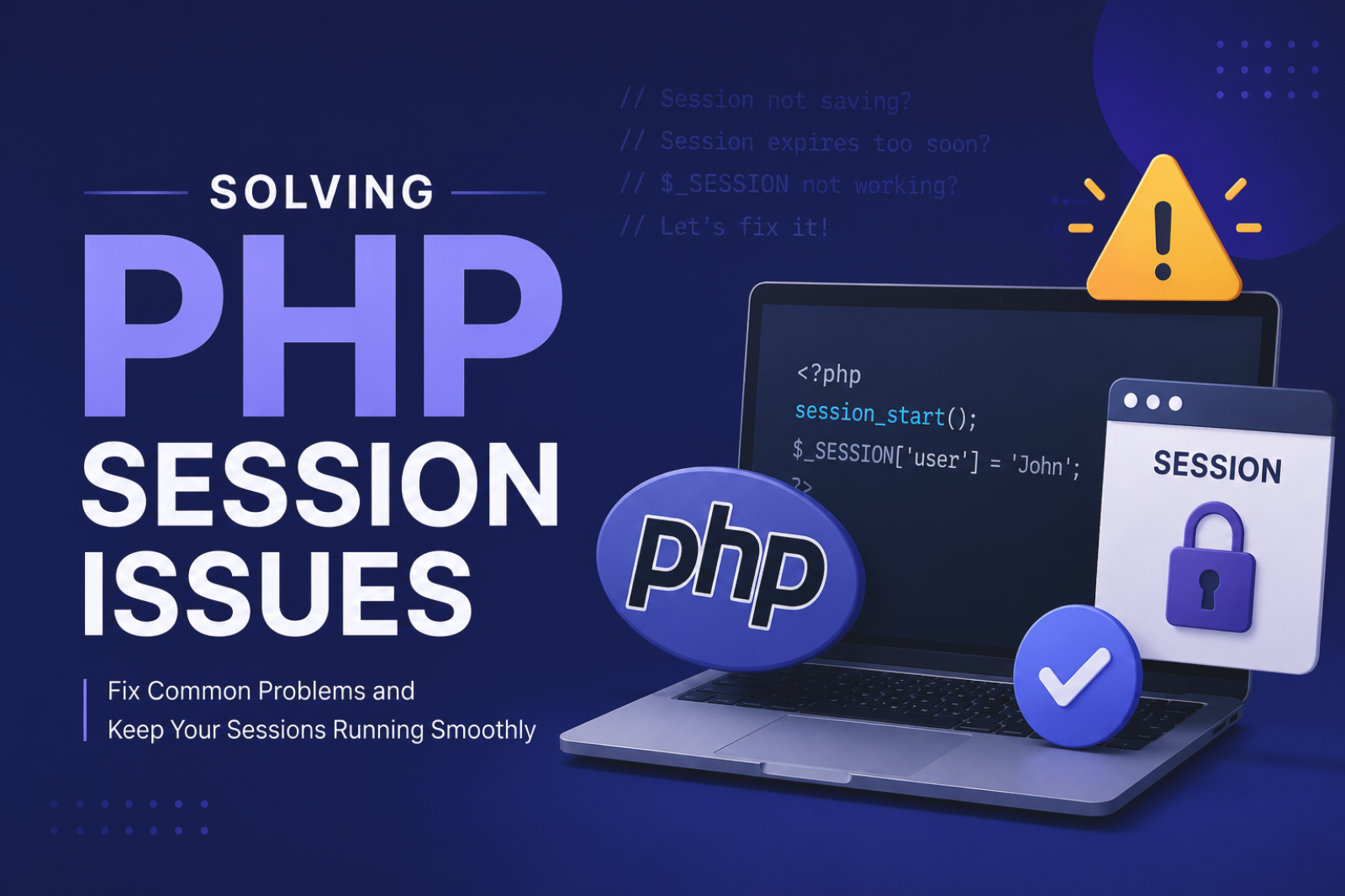
Session Not Working in PHP
From session.save_path permissions to cookie domain issues. A troubleshooting guide for when $_SESSION data won't persist across pages.
Step-by-step troubleshooting guides for PHP, Laravel, MySQL, and server issues. Fix common errors, resolve production bugs, and diagnose backend problems efficiently.
From session.save_path permissions to cookie domain issues. A troubleshooting guide for when $_SESSION data won't persist across pages.
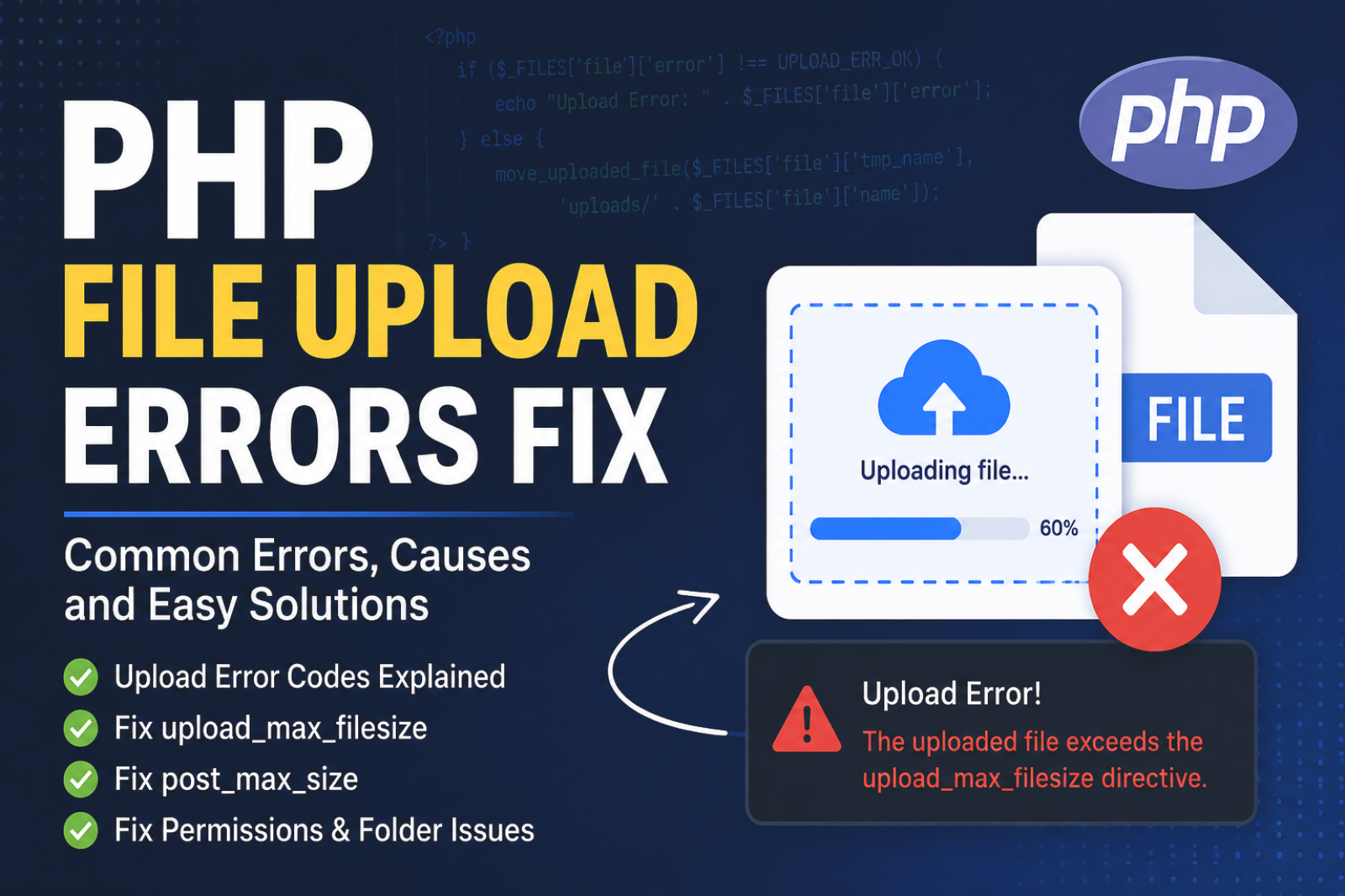
From UPLOAD_ERR_INI_SIZE to UPLOAD_ERR_NO_TMP_DIR. Understand what each error code means and exactly how to fix them in php.ini.

Common causes: Mismatched data types, unsigned integers, or engine differences. A guide to fixing migration errors in Laravel.
Don't panic. Learn how to check your Apache/Nginx error logs and .htaccess files to find the exact line of code causing the 500 crash.
PHP file upload not working? Check the common reasons behind errors and easy fixes to get your file upload working again.
If your PHP $_POST is empty after form submit, don’t worry. Here are the exact things you should check to fix it quickly.
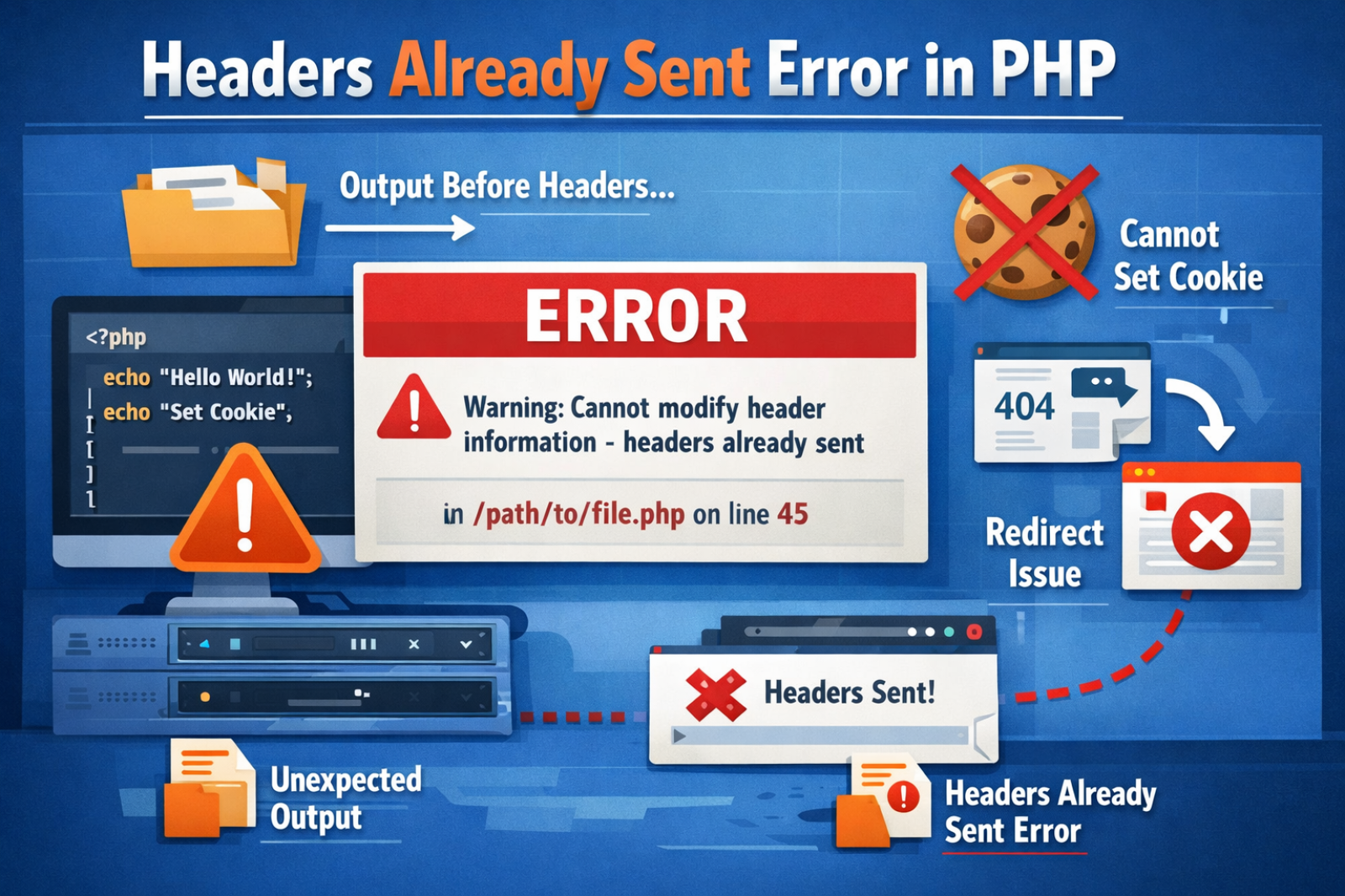
The most common PHP error explained. Learn how to find the hidden whitespace or BOM that is breaking your redirects and cookies.

Is your long-running script losing connection? Learn how to fix timeouts and 'max_allowed_packet' errors for stable background tasks.

A real-world module for products. Handle array-based file uploads, rename files for security, and store paths in your MySQL table.

Create barcode images (PNG/JPG) on the fly. A clean component-based approach to generating and saving barcodes for products or orders.
Enable error reporting in development mode, check server logs, and use debugging tools to trace the root cause of PHP issues.
HTTP 500 errors are usually caused by server misconfiguration, syntax errors in code, missing dependencies, or incorrect file permissions.
Verify database credentials, ensure the database server is running, and confirm proper configuration in environment settings.
This can be caused by incorrect environment variables, missing cache clear commands, permission issues, or server configuration errors.
Analyze database queries, check network latency, enable caching, and profile backend logic to identify delays in API execution.