Resolving the "Headers Already Sent" Error in PHP
The most common PHP error explained. Learn how to find the hidden whitespace or BOM that is breaking your redirects and cookies.
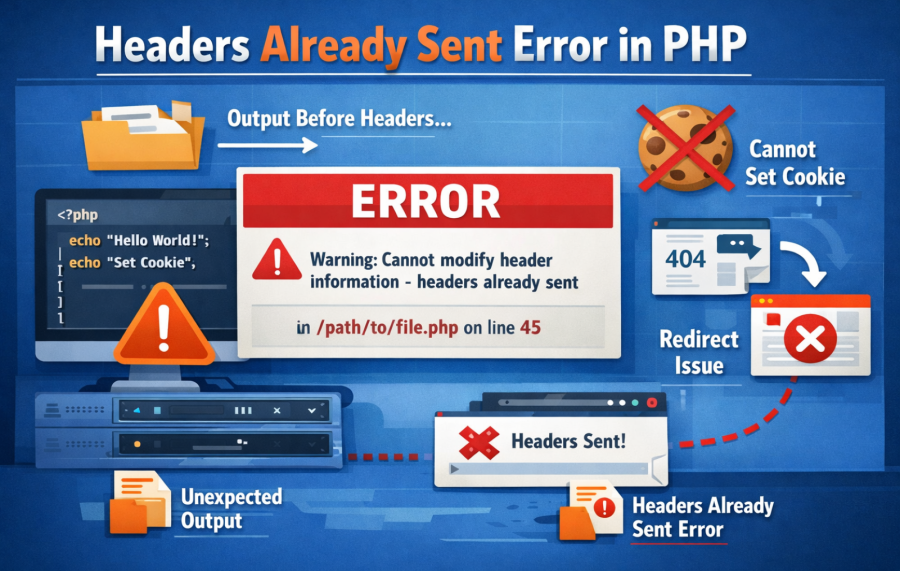
If you are getting this error in PHP:
Warning: Cannot modify header information - headers already sent by...
Don’t worry. This is one of the most common PHP errors. In this guide, I will explain why it happens and how to fix it quickly in real-world production projects.
What Does “Headers Already Sent” Mean?
In PHP, header information (like redirect, cookies, session start) must be sent before any output is printed to the browser.
If even a single space, HTML tag, or echo statement is printed before calling header() or session_start(), PHP throws this error.
Example:
echo "Hello";
header("Location: dashboard.php"); // ❌ Error
Why? Because “Hello” is already sent to the browser.
Most Common Reasons (Real Production Experience)
1. Extra Space Before <?php
   <?php
header("Location: home.php");
Even that invisible space can cause the issue.
2. Extra Space After Closing Tag ?>
?>
Best practice: Do not use closing PHP tag in pure PHP files.
3. BOM (Byte Order Mark) Issue
If your file is saved with UTF-8 BOM encoding, it automatically sends hidden output.
Fix: Save file as UTF-8 without BOM.
4. Echo / Print Before Header
echo "Processing...";
header("Location: success.php"); // ❌
5. HTML Before PHP
<html>
<?php
header("Location: login.php");
Quick Fix Solutions (Use These Immediately)
Solution 1 – Move Header to Top
<?php
header("Location: dashboard.php");
exit();
Always use exit(); after header redirect in production applications.
Solution 2 – Remove Closing PHP Tag
In pure PHP files:
<?php
// your code
// no closing tag
Solution 3 – Use Output Buffering (Temporary Fix)
ob_start();
header("Location: home.php");
ob_end_flush();
This works, but in real production systems, fixing root cause is better than hiding the problem.
Real World Production Example
Recently in one ecommerce project, login redirect was failing randomly on live server but working in local. After checking carefully, we found one included file had an empty line before <?php.
That small mistake broke session handling in production.
This error can impact:
- User login system
- Payment gateway redirection
- Cookie tracking
- SEO redirects
So never ignore this warning.
How to Debug Faster
When error shows:
headers already sent by (output started at /path/file.php:12)
Go to that file and check line 12 carefully.
Look for:
- Spaces
- Echo
- HTML
- Debug print_r()
Best Practices for Production PHP Projects
- Never close PHP tag in pure PHP files
- Keep redirect logic at top of file
- Use proper MVC structure
- Enable error reporting in development only
- Always test login and payment flows after deployment
If you are working with frameworks like Laravel, this error is rare because output handling is managed internally. But in core PHP projects, it is very common.
Related Helpful Guides
- How to Fix Slow MySQL Query
- Using EXPLAIN in MySQL to Fix Slow Queries
- Choosing the Right MySQL Data Types
Final Words
The “Headers Already Sent” error is not a big problem. It happens due to small mistakes. But in production systems, even small mistakes can break login, redirect, and payment systems.
Always remember:
Headers must be sent before any output.
Fix the root cause, not just the symptom.

Ketan Patel
PHP & MySQL Performance Optimization Specialist
I specialize in diagnosing and fixing slow PHP applications, optimizing MySQL queries, and resolving backend bottlenecks in live production systems. My approach is metric-driven — identifying root causes through profiling, execution analysis, and structured optimization instead of guesswork.